
About this game
Creative Freedom at Your Fingertips
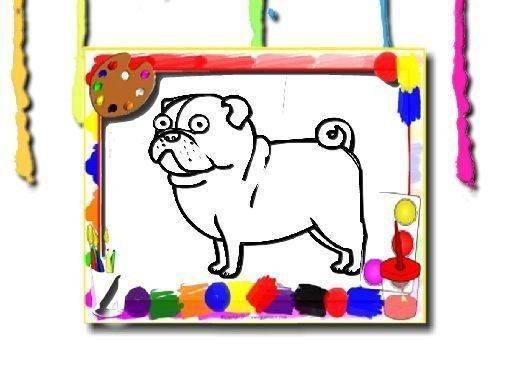
Colorful Canvas is built around a simple but satisfying loop. Users browse a collection of line drawings, choose one that catches their eye, and then apply color using a straightforward brush tool. The palette offers a wide range of shades, allowing for subtle gradients or bold contrasts. Because there are no rules about staying inside lines or using specific colors, each finished piece reflects the user's personal taste. This open-ended approach encourages experimentation and makes every session feel fresh.
Stress-Free Mechanics
The design deliberately removes pressure. There are no timers ticking down, no scores to beat, and no penalties for going outside the lines. Users can change colors as often as they like, undo any stroke, or simply start over on a new image. This makes the experience suitable for unwinding after a busy day or for quiet moments when focus is welcome. The interface uses large, clearly labeled buttons, so even first-time users can begin coloring within seconds.
Visual Variety and Theme Selection
The image library covers a broad spectrum of subjects. Nature scenes with flowers and trees, animal portraits, geometric patterns, and everyday objects are all represented. Each image is drawn with clean lines and enough detail to keep the activity engaging without becoming overwhelming. Users can preview thumbnails before selecting, making it easy to find a picture that matches their current mood. The variety ensures that returning to the studio repeatedly feels rewarding.
Accessible and Mess-Free
Because Colorful Canvas runs entirely in a web browser, there is no software to install and no physical supplies to buy. This eliminates the mess of traditional coloring while preserving the satisfaction of completing a visual project. The digital format also means colors never run out, and brushes never dry up. Users can save their finished artwork or share it with family and friends, adding a social dimension to the creative process.
Building Skills Through Play
Regular use of Colorful Canvas can help develop fine motor control, particularly for younger users who are still refining their hand-eye coordination. The act of selecting colors and applying them to specific areas also encourages planning and decision-making. For older users, the activity serves as a gentle mental break, promoting mindfulness and reducing stress. The educational value lies not in formal instruction but in the natural learning that comes from repeated, enjoyable practice.








Audience comments
Sign in to comment
You must be logged in before posting a review or rating.
No account? Create one
No comments yet. Be the first to comment!